TIDA Mobile App Information
- Stay organized with up-to-the-minute session information.
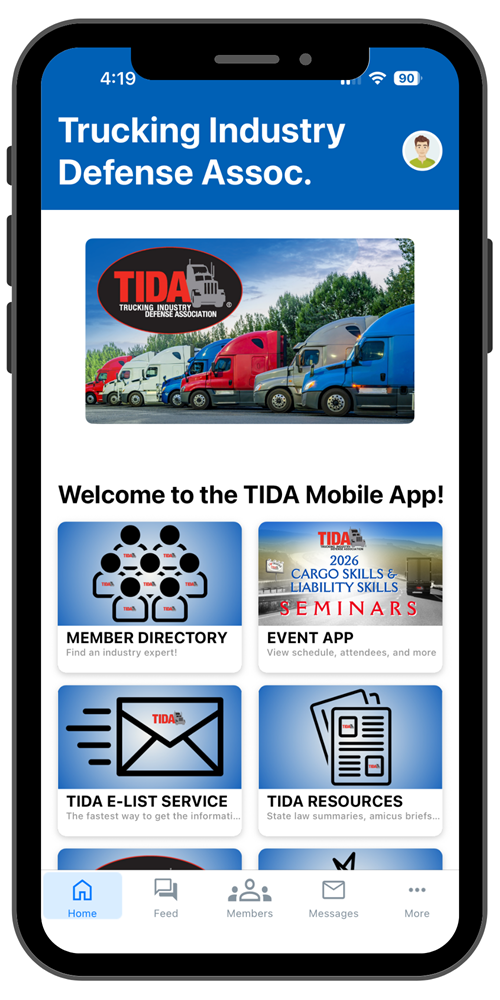
- Build a personalized schedule.
- Connect with seminar attendees.
- Receive important notifications and event updates.
- View event maps, request attendance certificate, and more...
Activate your mobile app account:
- Download the TIDA App from the App Store or Google Play.
- Open the app and click "Log In" at the top right.
- Click the button to enter the email associated with your TIDA account.
- Enter the 6-digit code sent to your email. If you do not receive the code within 5 minutes, check your spam/junk folder. You will only need to verify once to stay logged into the app.
There will NOT be a full printed program on-site, therefore it is highly recommended to download the app prior to arriving.
|